
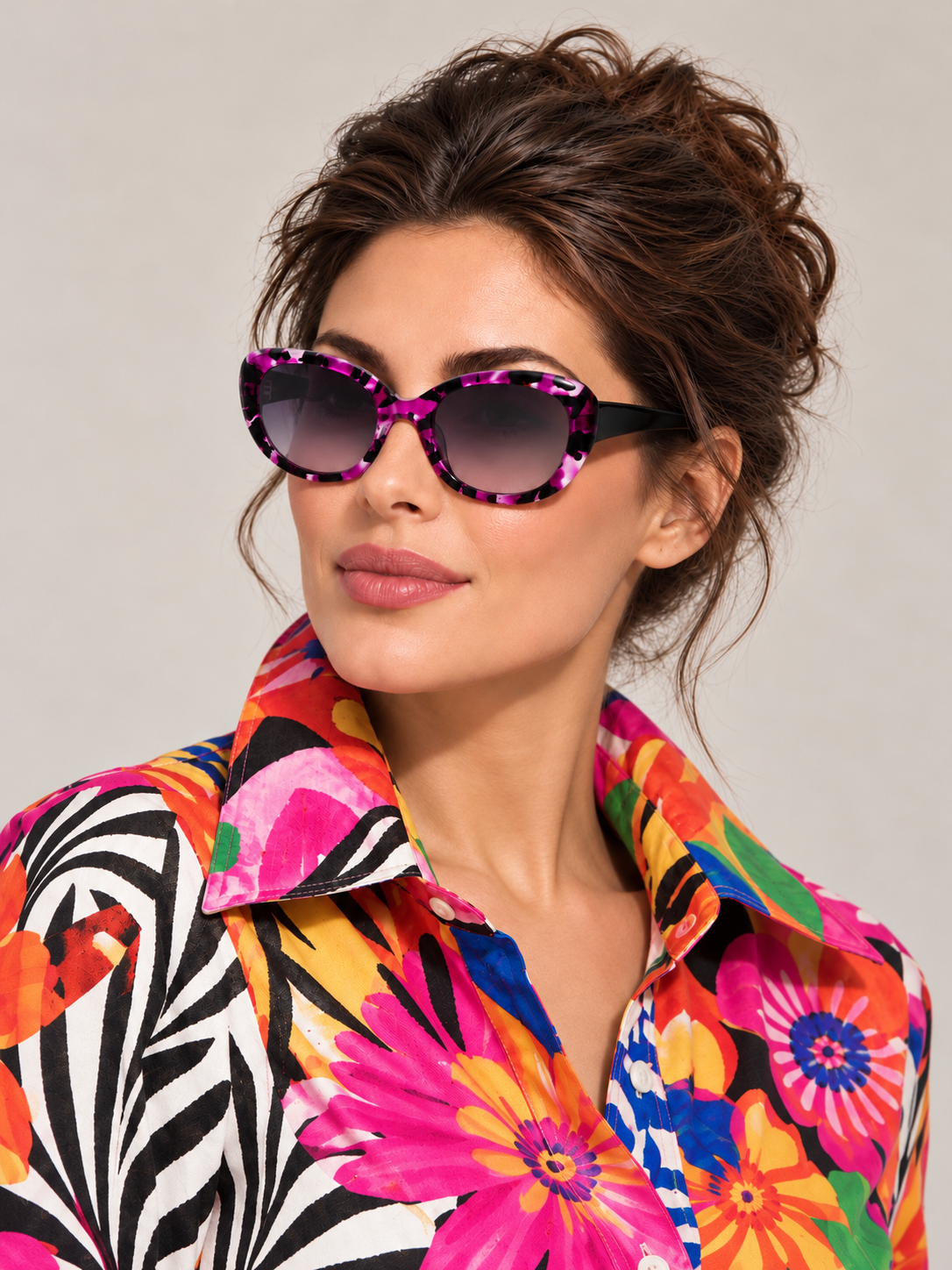

Try a Sunglasses frame on
Pick a frame and select Try on to see how it suits your face shape, skin tone and style. It's quick, free and works straight from your phone or laptop.


A fresh way to find your frames
Your next pair should feel like you. Virtual Try On lets you explore how different frame shapes and colours look on your face, wherever inspiration strikes. Discover a new favourite before making it yours.
Start with a shape you love
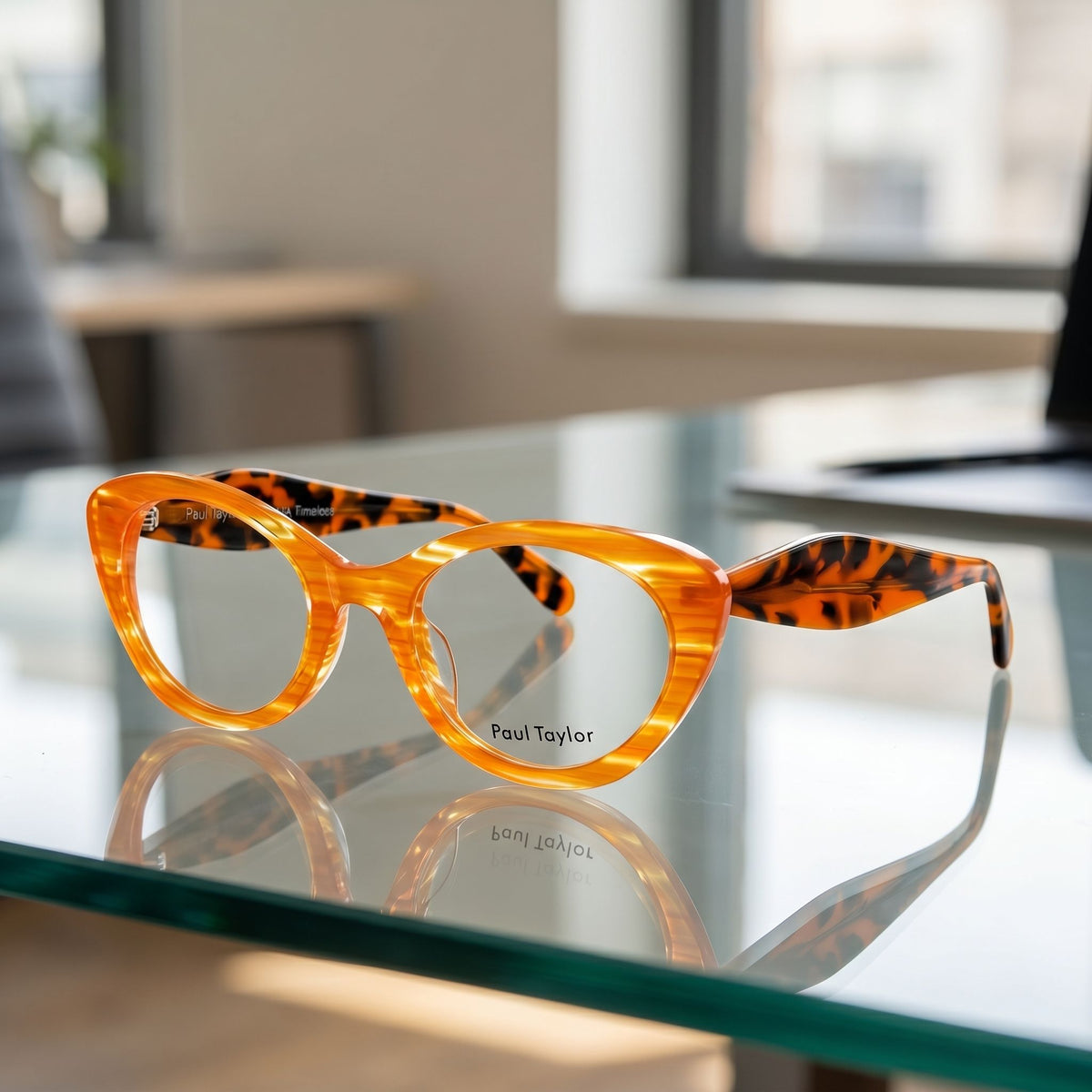
Browse our eyewear and sunglasses, then open a style that catches your eye. On supported product pages, choose Virtual Try On to start your preview.
From a signature cat-eye to a bold round frame, give a new shape or colour a chance.
Clever technology. Real expression.
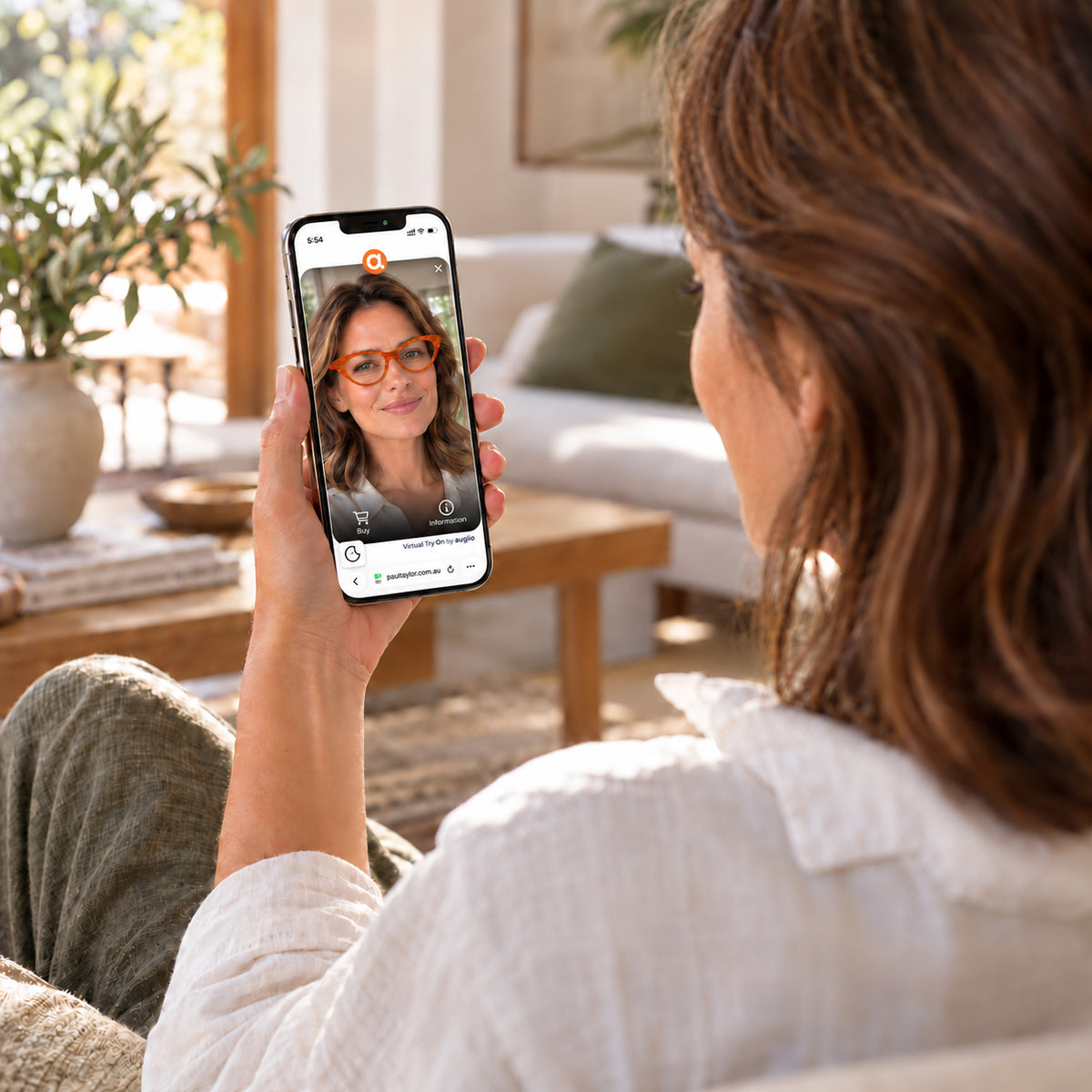
Powered by Auglio, Virtual Try On uses augmented reality to place a digital version of the frames over your live camera image. The preview follows your face as you move, helping you explore the look from different angles.
Allow camera access when prompted. Face a window or soft light, keep your face clearly visible and follow the on-screen guidance.
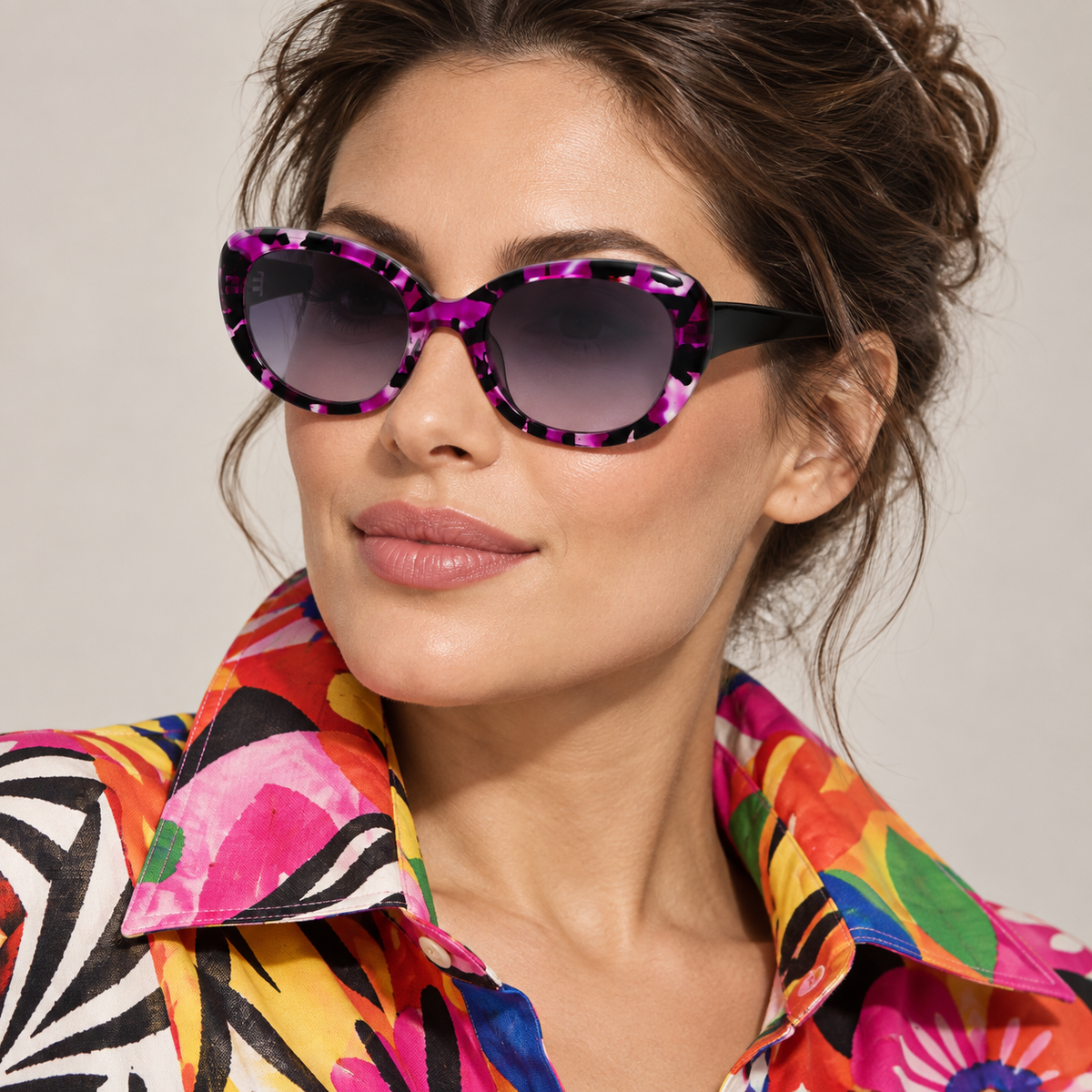
Different frames. Still you.
Take your time. Turn your head gently, explore the silhouette and see which colours bring your look to life. Try a familiar favourite, then something unexpected.
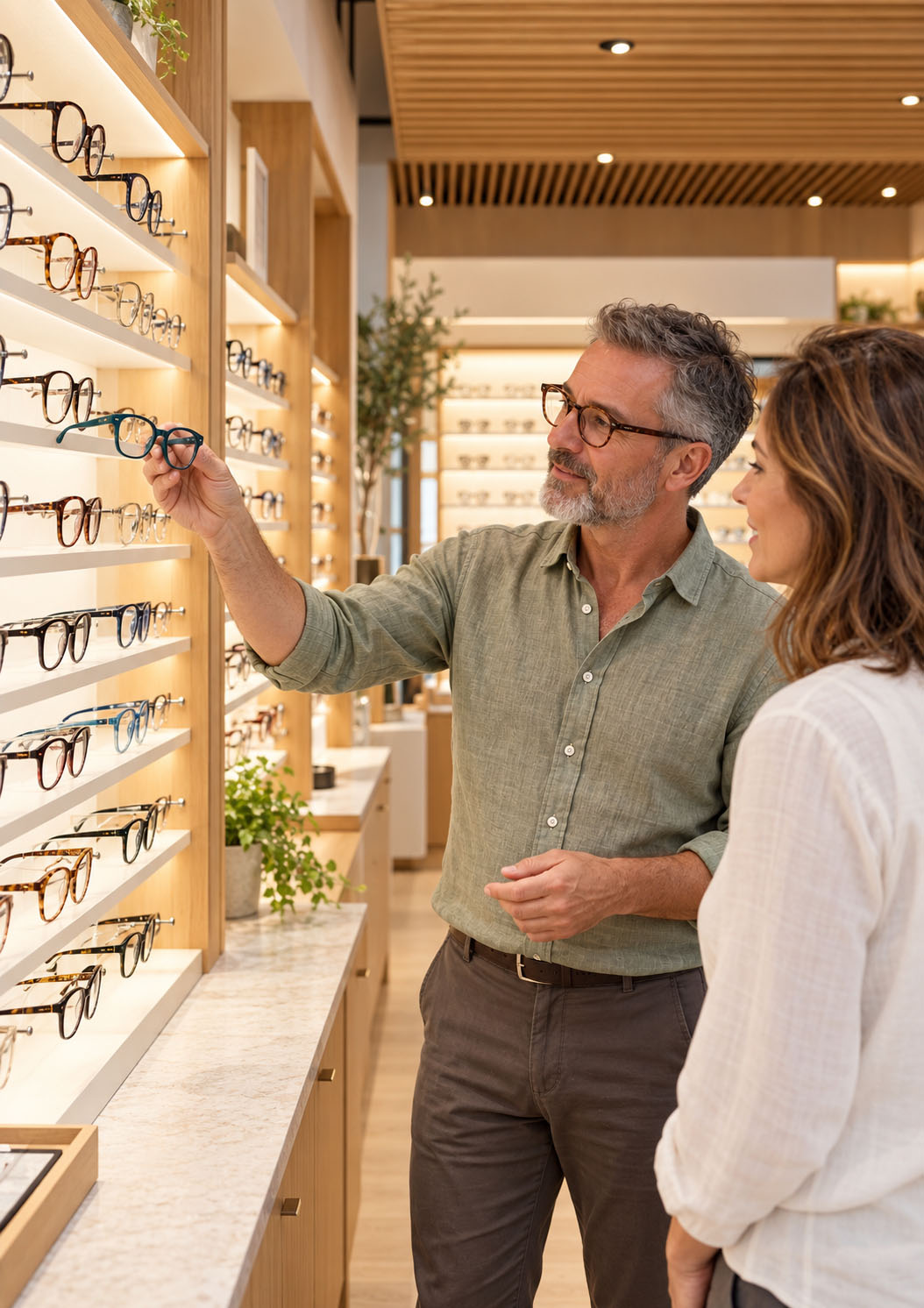
Use your preview to narrow down the styles you love. Before ordering, check the frame measurements on the product page or visit a stockist for help with the physical fit.
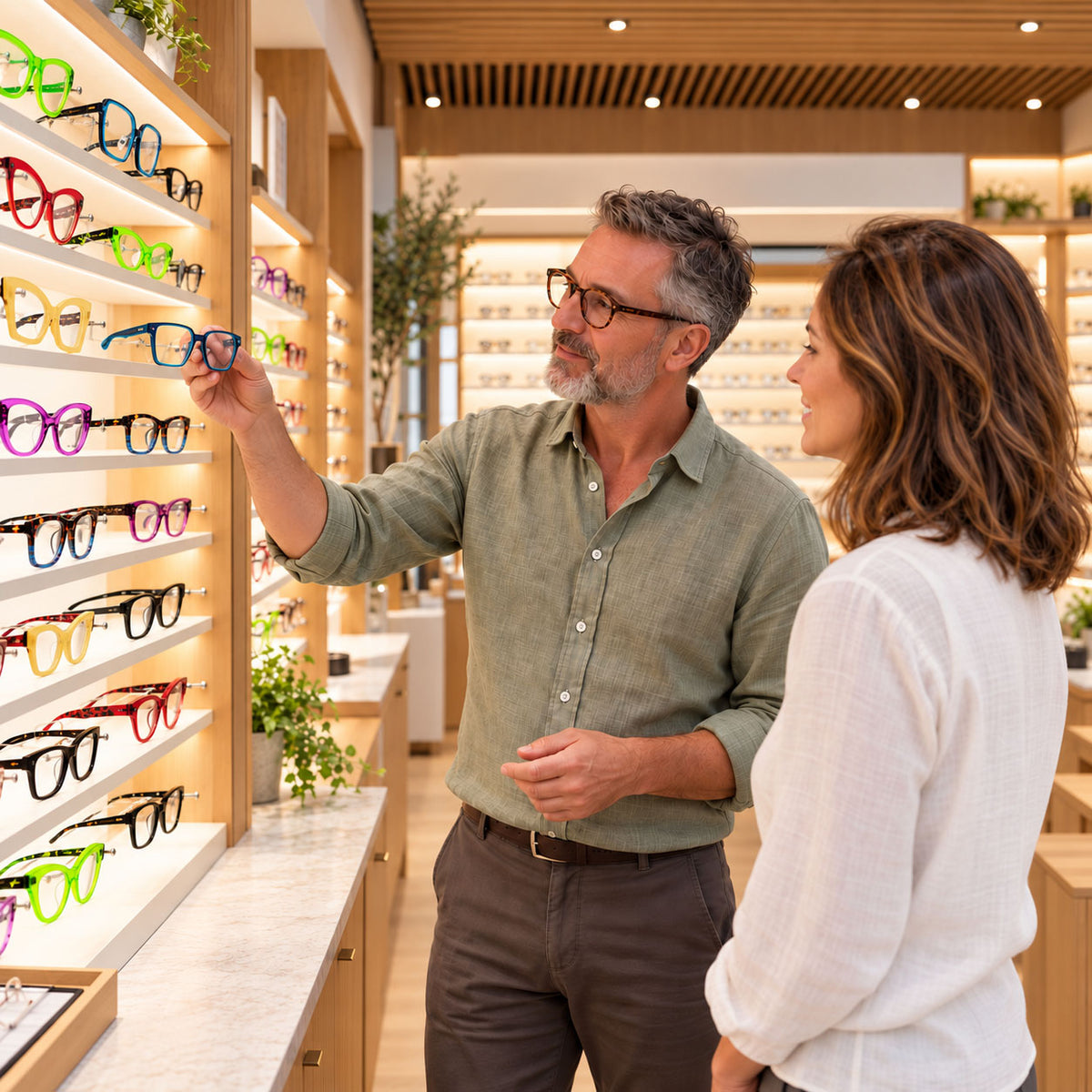
Find a stockist
See the colours, feel the fit and find your favourite Paul Taylor frames in person. Visit your local stockist to explore different shapes, try something bold and get personal advice on choosing a pair that feels like you.
Your virtual try-on questions
A few simple tips for a better preview. For personal advice on frames and fit, our team is here to help.
Order
Use a phone, tablet or computer with a camera. Face soft, even light and keep your face clearly visible. Allow camera access when prompted and follow the on-screen instructions. If the preview does not start, check your browser’s camera permissions, close other apps using the camera and try again.
Virtual Try On is a visual guide to how a frame looks on your face. It does not replace checking the measurements or trying the frame on in person. Compare the size listed on the product page with your current pair, or visit a Paul Taylor stockist for help choosing and adjusting your frames.
Your camera provides the live image for the virtual preview. You choose whether to allow access through your browser, and you can change that permission in your browser settings. For details about information handling, read Auglio’s privacy policy.